



Get started
Overview
Tutorial
Create your first score
Import scores and tabs
Discover the interface
Set Time & Key Signatures
Inputting your first notes
Composing with tabs
Composing with drums
Keyboard shortcuts
Editor FAQ
Music notation tools
Instruments
Layout
Toolbar: Document
Toolbar: Note
Toolbar: Tab
Toolbar: Articulation
Toolbar: Ornament
Toolbar: Dynamic
Toolbar: Measure
Toolbar: Text
Transpositions
Music fonts
Text styles
Notes heads modes
Color music notes
Blank Measure
Read Only


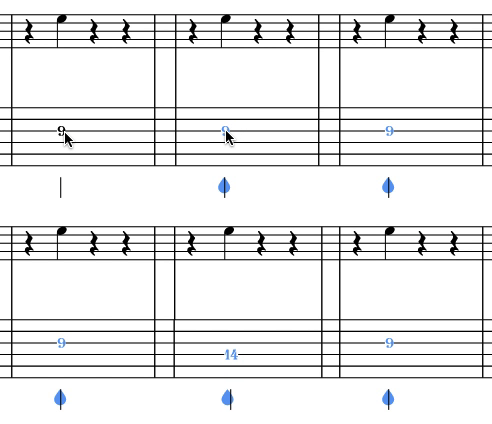
To change the string related to a note, select the note on the TAB staff, and use the following keyboard shortcuts:
| go to the upper string | Ctrl + ⇡ or ⌘ + ⇡ |
| go to the lower string | Ctrl + ⇣ or ⌘ + ⇣ |
Note: If there is already a fret value for the string we will go directly to the next available.

Can't find your answer? Get in touch with our team — we're here to help. Contact us →